Matte sneaker
Representative result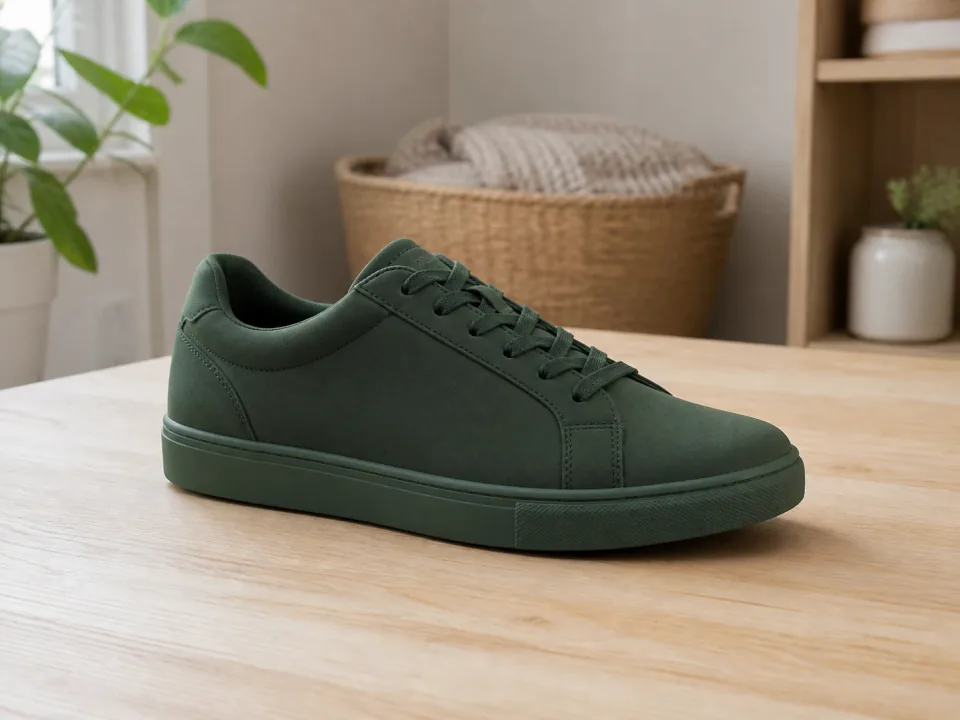
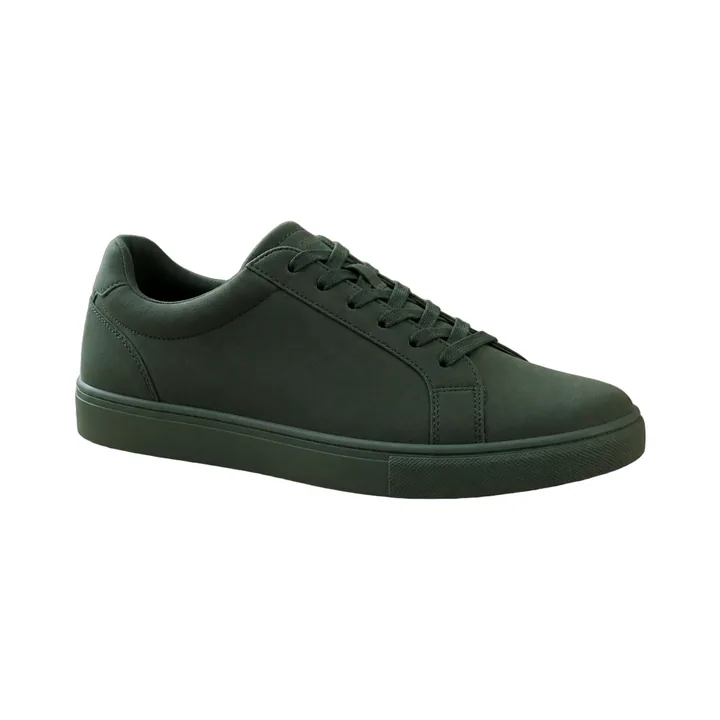
An unbranded matte sneaker provides a clear product boundary and visible sole details.
Generated fictional product photograph created specifically for this demo; not a customer image.
For Online Sellers
A clean background can help product photos look more consistent across a storefront. Drop your photo here to remove the original background for Shopify, Amazon, eBay, or Etsy listings. You can upload product photos such as jewelry, apparel, electronics, or food packaging; inspect reflective, transparent, and fine-detail edges before publishing. Processing time varies with the image, selected model, provider load, and network. The download format is PNG. To keep a transparent background, leave the background transparent rather than selecting an opaque background color. The Product preset creates a pure-white canvas; review the current marketplace policy and the complete image before publishing.
or drag and drop here
Supports PNG, JPG, WEBP and other common formats
Each result below is the untouched PNG returned by the current preset on our recorded staging runtime. Generated demo inputs are disclosed, and difficult results stay visible.
An unbranded matte sneaker provides a clear product boundary and visible sole details.
Generated fictional product photograph created specifically for this demo; not a customer image.


Handles and fabric edges test a common seller photo without using a real brand.
Generated fictional product photograph created specifically for this demo; not a customer image.


A colored glazed mug checks a curved handle, specular highlight, and interior opening.
Generated fictional product photograph created specifically for this demo; not a customer image.


The silhouette is retained, but transparent glass and reflections blend partly into white; the staging output is shown without repair.
Generated fictional product photograph created specifically for this demo; not a customer image.
Drag and drop a JPG, PNG, or WEBP file up to 25 MB. For best results use a sharp, well-lit photo with a single product in frame and visible separation from the background.
The model attempts to separate the subject from the background. Inspect reflective metal, low-contrast edges, jewelry chains, fabric weave, and transparent packaging in the preview.
Drag the compare slider to inspect edges. Select a compatible explicit model before enabling Alpha Matting. The Portrait preset already selects birefnet-portrait and enables the current 240/10/10 settings.
Save the PNG for use in your listing. To keep a transparent background, leave the background transparent rather than selecting an opaque background color. Choose #ffffff for a pure-white background. The Product preset also uses a centered 2000 × 2000 square canvas with a 10% target margin.
Replace cluttered desk shots with a clean transparent or pure-white backdrop in one click — no Lightroom, no batch editing.
The Product preset creates a pure-white canvas; review the current marketplace policy and the complete image before publishing. Choose #ffffff for a pure-white background. The Product preset also uses a centered 2000 × 2000 square canvas with a 10% target margin.
Give handmade items and resale goods a consistent look across every listing — buyers trust storefronts that look professional.
Drop the cutout onto a brand-coloured backdrop for Instagram, TikTok, and paid ads. Same photo, ten different campaigns.
Dark items against a light surface (or vice versa) make the AI's job easier. Avoid same-tone backdrops where the product visually blends in.
Select a compatible explicit model before enabling Alpha Matting. The Portrait preset already selects birefnet-portrait and enables the current 240/10/10 settings.
Choose #ffffff for a pure-white background. The Product preset also uses a centered 2000 × 2000 square canvas with a 10% target margin. The Product preset creates a pure-white canvas; review the current marketplace policy and the complete image before publishing.
This page currently processes one image at a time. Review each result before using it in a listing.
Background removal may also remove or alter a flat-lay shadow. Inspect the preview; if needed, add a replacement shadow in an external editor after download.
Auto chooses the available removal route. Choose an explicit model in Advanced settings when you need manual edge controls. Select a compatible explicit model before enabling Alpha Matting. The Portrait preset already selects birefnet-portrait and enables the current 240/10/10 settings.
A contact shadow may be removed, partially retained, or altered with the background. Inspect the preview; add a replacement shadow in an external editor if needed.
The Product preset creates a pure-white canvas; review the current marketplace policy and the complete image before publishing. Choose #ffffff for a pure-white background. The Product preset also uses a centered 2000 × 2000 square canvas with a 10% target margin.
Auto chooses the available removal route. Choose an explicit model in Advanced settings when you need manual edge controls. Try an explicit model in Advanced settings and inspect the result.
Three images per day for free, refreshed at 00:00 UTC. A pack of 100 credits is $4.99 one-time and never expires — useful if you're listing dozens of SKUs in a session.
You are responsible for confirming that you have the rights needed for your images and intended use. Uploads may use short-lived VPS storage and are deleted after processing or expiry cleanup.
The model treats everything non-background as the subject. If you only want one item isolated, crop the photo first. Download the mask for use in an external editor.
Remove the background from portraits and headshots. Free AI tool — for LinkedIn, resumes, and ID photos. PNG download, no watermark.
Remove the background from any PNG file. Free AI tool with PNG download. No signup, no watermark, supports up to 25 MB.
Remove an image background and download a PNG. Processing time varies with the image, selected model, provider load, and network.
Three free runs every day, then 100 credits for $4.99. No signup, no watermark.
Try the background remover